Stratus Panel - Varnish > Version
STRATUS allow you to select the version of Varnish you wish to employ on your installation.
Magento 2.3.3+ supports Varnish version 6.
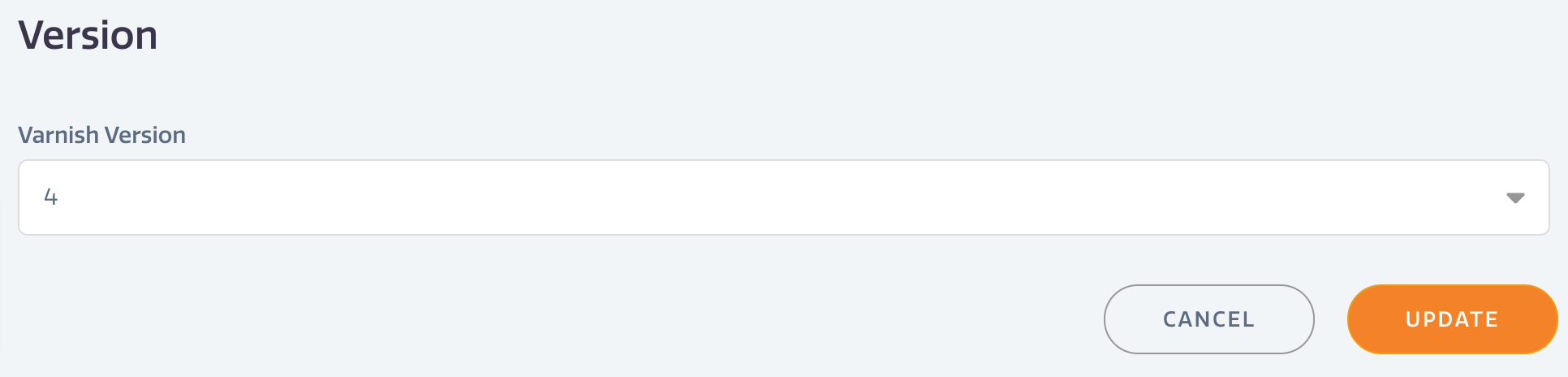
To change your version,
- Go to Varnish > Version in the STRATUS sidebar menu.
- Select the version of Varnish you wish to run.
- Click UPDATE to save changes.
NOTE: changing the version will cause a reboot of your installation.
Have questions not answered here?
Contact Support
to get more help.
Last modified on June 3, 2026