Stratus Panel - Varnish > VCL
Webscale STRATUS allow you to configure a custom Varnish configuration for handling http traffic using Varnish Configuration Language (VCL).
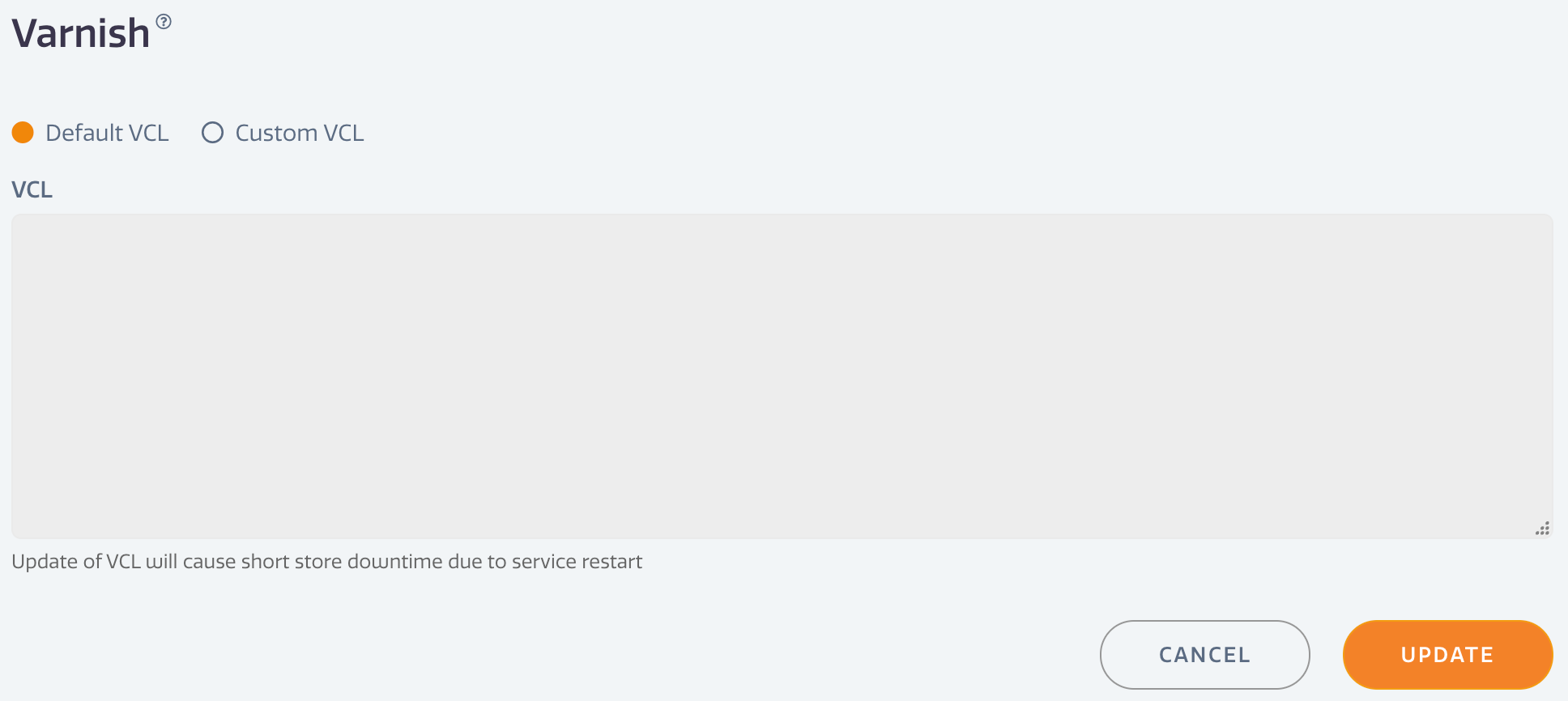
To add a custom VCL,
- Go to Varnish > Info in the Webscale STRATUS sidebar menu.
- Select Custom VCL.
- Enter the configuration in the VCL field.
- Click UPDATE to save changes.
NOTE: there will be a short downtime as the system restarts with the new Varnish configuration.
For more on configuration for Varnish, see Enabling Varnish on Stratus
Have questions not answered here?
Contact Support
to get more help.
Last modified on June 3, 2026