Stratus Panel - Varnish > URL Cache
Webscale STRATUS provides the ability to purge the Varnish cache of specific files and directories.
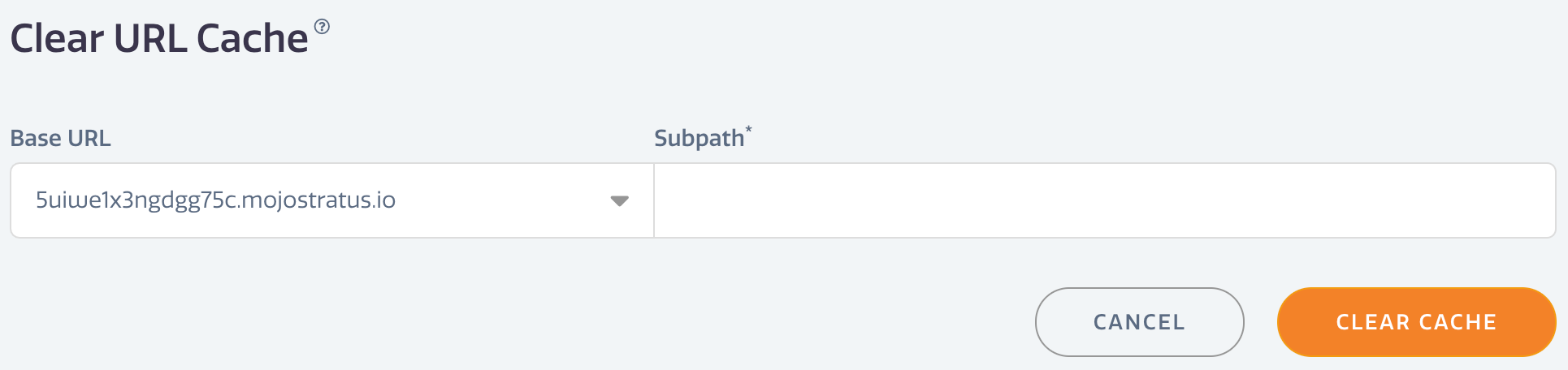
To purge specific items in the Varnish cache,
- Go to Varnish > URL Cache in the Webscale STRATUS sidebar menu.
- Select the Base URL for the items to be purged.
- Enter a directory or file path in Subpath. Directory paths will purge all items in the target directory including sub-directories.
- Click CLEAR CACHE.
Have questions not answered here?
Contact Support
to get more help.
Last modified on June 3, 2026