Stratus Panel - Sphinx > Configuration
The Webscale STRATUS Sphinx service is designed for the Mirasvit Magento 2 search extension but may work for other modules.
Configure the Mirasvit extension with the following settings:
- Set the Engine to “External Engine”
- Set the path to “/usr/bin/searchd” on port 9312
- Set the host/ip to “sphinx”
- Under Additional Configuration > Custom Base Path, add “/srv/public_html/var/sphinx”
- Save the configuration
This will generate a sphinx.conf in var/sphinx in the Magento document root. This file must be generated before enabling Sphinx in the Sphinx Info panel
.
The location of the configuration file should be set in the Sphinx Configuration panel.
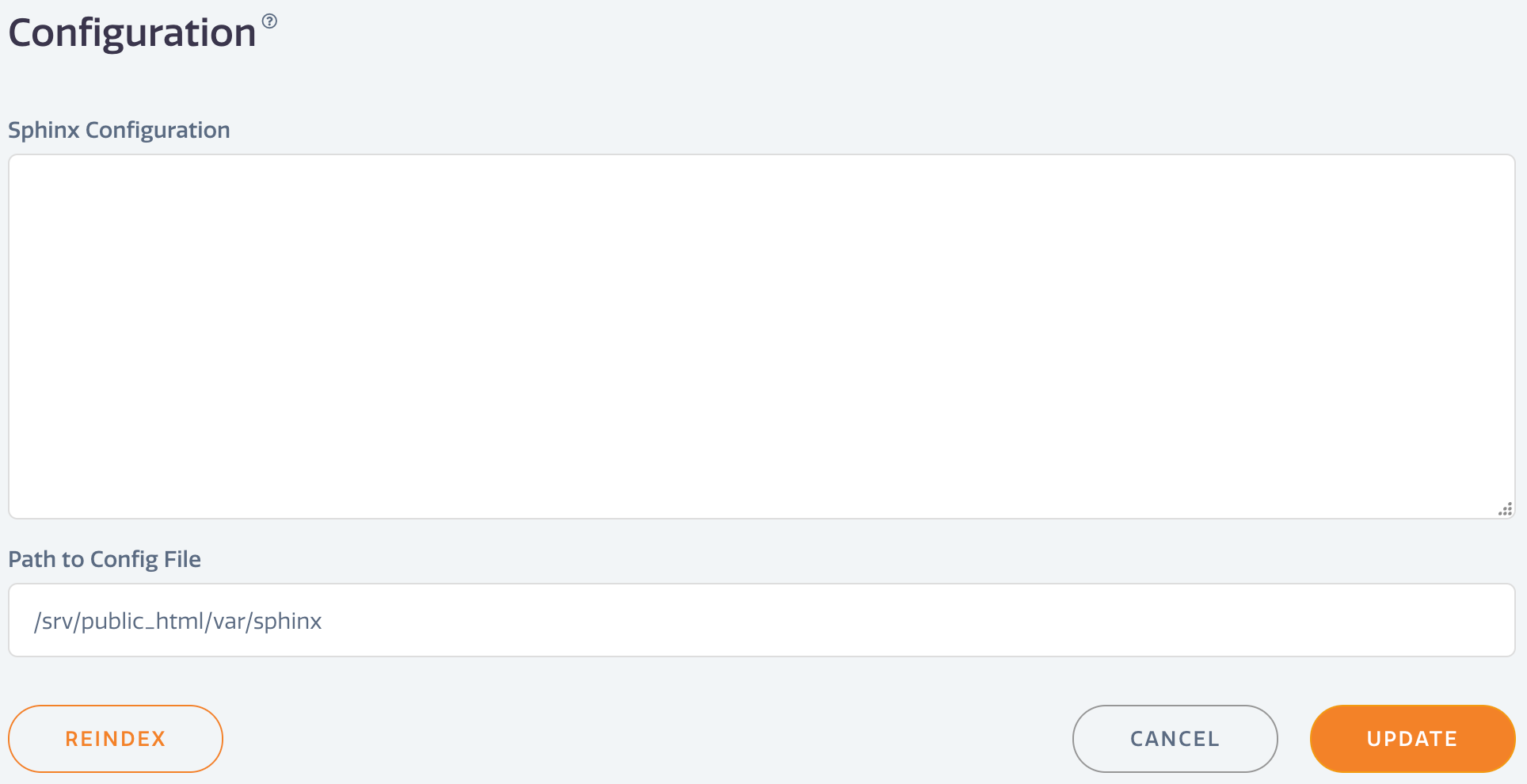
- Go to Sphinx > Configuration in the Webscale STRATUS sidebar menu. * Configuration —Enter any configuration customizations. * Path to Config File — Edit the file path to the Sphinx configuration file.
- Click UPDATE.
- Click REINDEX to force a re-index of the Sphinx service.
Re-indexing should be completed after any configuration update.
Have questions not answered here?
Contact Support
to get more help.
Last modified on June 3, 2026