Stratus Panel - Redis > Sessions
Webscale STRATUS allows you to enable Redis for storing sessions. For more on configuring Magento caches, see Configuring Session Cache
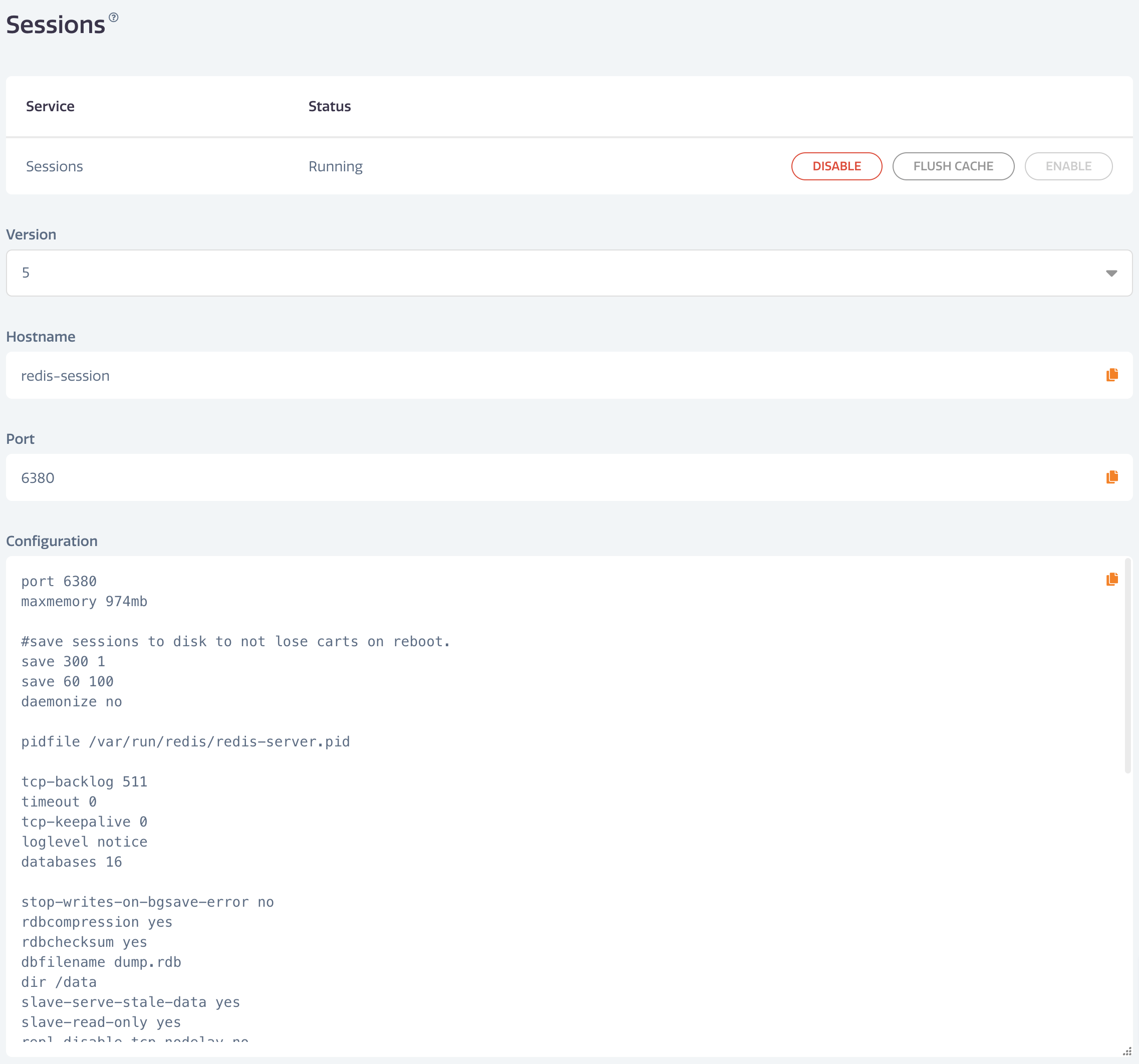
To enable Redis sessions on STRATUS, go to Redis > Sessions in the Webscale STRATUS sidebar menu.
- To enable Redis sessions, click ENABLE.
- To disable Redis sessions, click DISABLE
- To flush the cache, click FLUSH CACHE
To set the version you wish to use, choose the version, then click UPDATE.
Have questions not answered here?
Contact Support
to get more help.
Last modified on June 3, 2026