Stratus Panel - PHP > Xdebug
Webscale STRATUS support Xdebug.
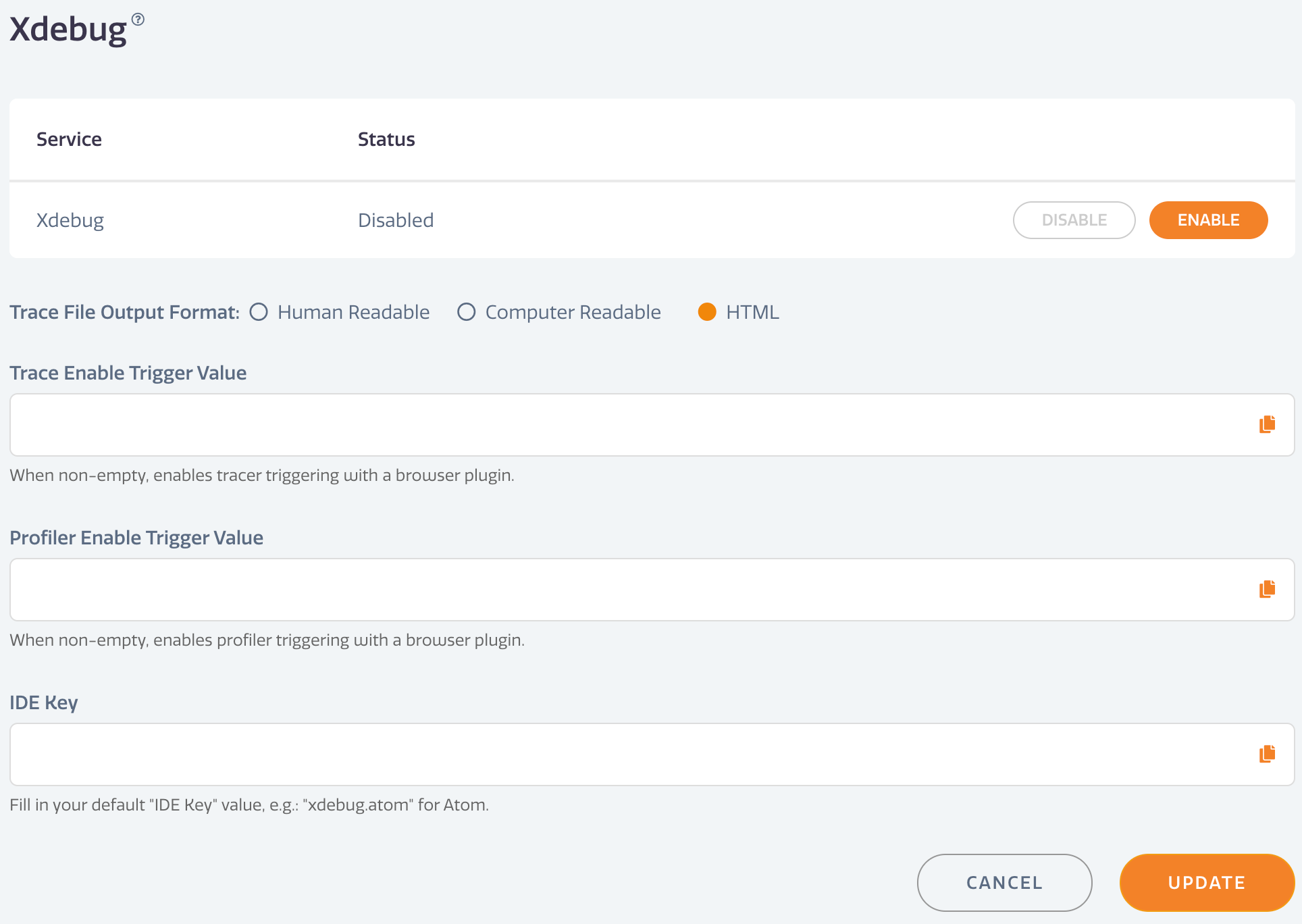
To enable Xdebug:
- Go to PHP > Xdebug in the Webscale STRATUS sidebar menu. * Xdebug Service — Click ENABLE. * Trace File Output Format — Select the format for the debugging output. * Trace Enable Trigger Value — Used for triggering the tracer using a browser plugin. * Profiler Enable Trigger Value — Used for enabling profiling with a browser plugin. * IDE Key — Enter a default IDE Key value, such as “xdebug.atom” for Atom IDE.
- Click UPDATE to save changes.
Have questions not answered here?
Contact Support
to get more help.
Last modified on June 3, 2026