Stratus Panel - PHP > Blackfire
Webscale STRATUS includes the ability to communicate with the Blackfire service for testing and improving PHP performance.
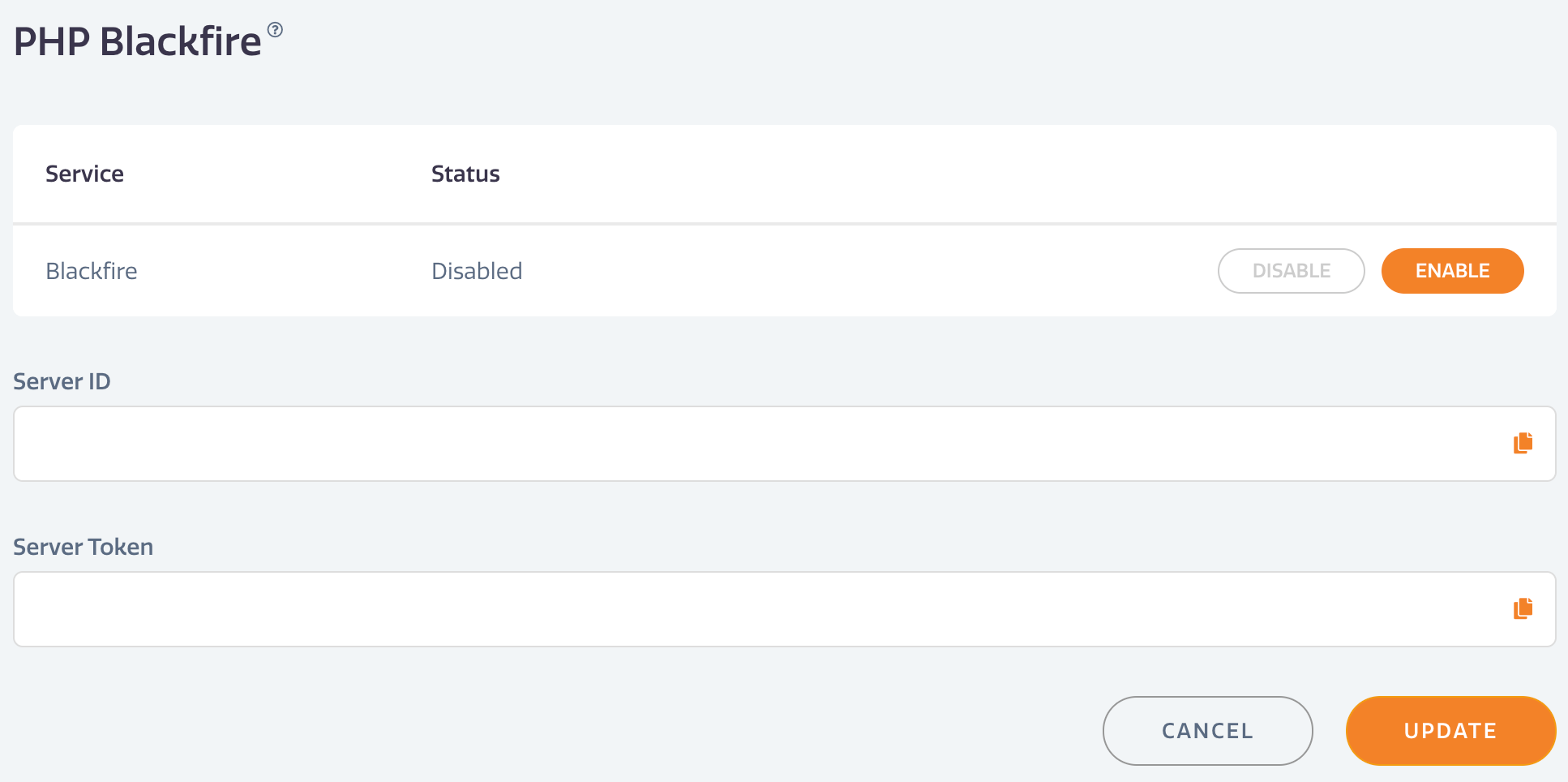
To enable Blackfire:
- Go to PHP > Blackfire in the Webscale STRATUS sidebar menu. * Blackfire Service — Click ENABLE. * Server ID — Enter the Server ID value provided by Blackfire. * Server Token — Enter the Server token provided by Blackfire.
- Click UPDATE to save changes.
Have questions not answered here?
Contact Support
to get more help.
Last modified on June 3, 2026