Stratus Panel - Access > Protect Website
A standard HTTP Authentication can be added to a website. Visitors will need to enter a username and password to access any part of the website.
Create Website Protection
To restrict access to the entire website:
- Go to Access > Protect Website in the STRATUS Admin panel left sidebar menu.
- Select Enabled.
- Login — Enter a username.
- Password — Enter a password. To create a random password, click Generate Password. To view the password, click the Eye Icon at the right of the password field.
- Click UPDATE to save your new login.
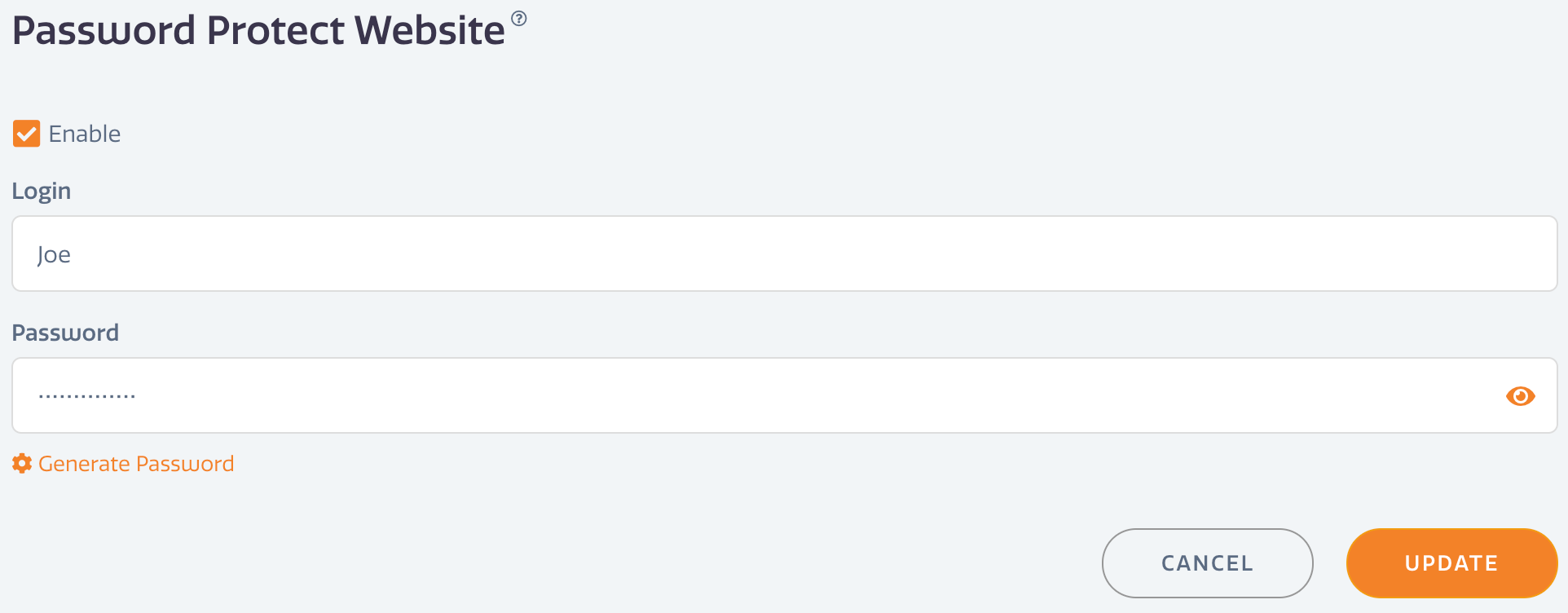
You can only have one HTTP authorization password for a STRATUS environment.
All traffic will be blocked unless the visitor enters the proper username and password.
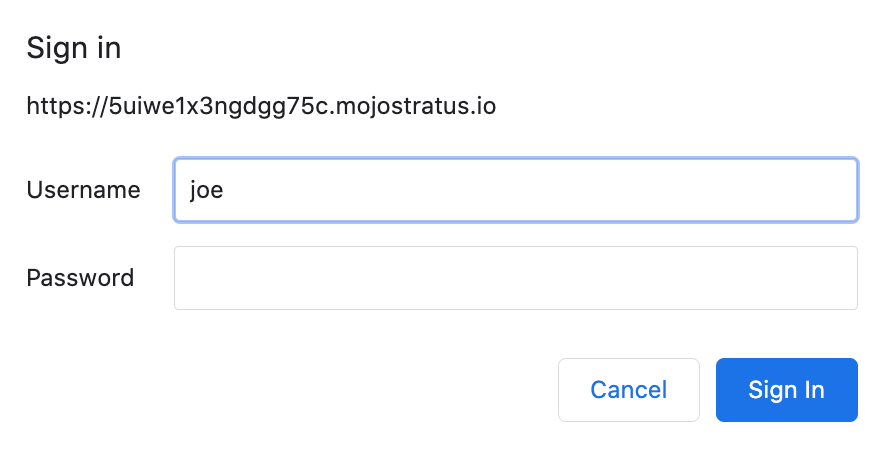
Disable Website Protection
To disable website protection simply de-select Enabled and click Update. The login information will be removed from the site.
Have questions not answered here?
Contact Support
to get more help.
Last modified on June 3, 2026